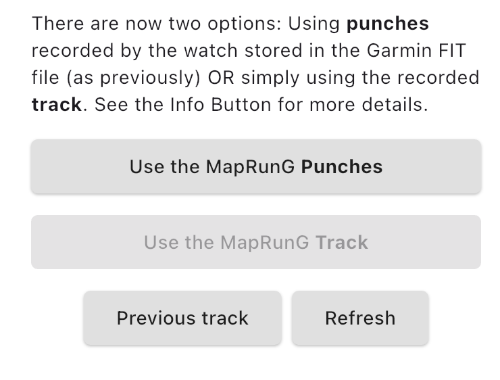
We are receiving a number of reports of users getting errors after using MapRunG on their Garmin watch.
"
Get Track from Garmin" is giving an error.
To help isolate the root cause, we are seeking reports from users to help in the diagnosis.
We have had similar issues in the past, and as issues have been identified, normally due to changes in the FIT file format, we have released a new version of MapRun on the phone to be able to interpret the changed file format.
The latest issue is most likely:
- another change in FIT format (that only flows through to us when users upgrade their Garmin firmware), and/or
- an issue introduced in v1.9.1 of MapRunG
(Or some combination of the above).
Note that Garmin has unique versions of firmware for each watch type, so not all watch types are likely to be affected at the same time.
I see good results coming through from MapRunG v1.9.1, so it is not a definitive bug in MapRunG. But until we can learn more, we can’t be sure….
It’s complicated by the fact that people having the issue won’t have an uploaded result (generated by “Get Track from Garmin”), so we need to hear from users.
What helps is
details from users:
- Name
- Event name
- Watch type
- MapRun version (on phone)
- MapRunG version (on watch)
- Their FIT file if they can provide it (See instructions below)
- Any other context (eg just got a new watch? Upgraded something? First-time user?)
Please either post reports here or
email support@maprun.net (Send FIT files to this address).
WORKAROUNDSAssuming MapRunG performed on your watch, and the issue is getting a result in the Event (normally via "Get Track from Garmin"), the workarounds are:
- Ignore the warning/error and try to upload anyway. The upload should generally work but it comes with a “zero” result, no controls punched and then you need to do a HITMO for every control including S1 and F1.
- Otherwise you need to get the GPX file of your run and generate a result from that.
- The simplest approach to use the GPX file is, if you sync your Garmin activities to Strava:
- Use the function in MapRun > Show Results > Create Results from Strava Track.
- If you don't use Strava, follow the steps below "To Extract a FIT file" but instead of selecting "Export File", select "Export to GPX”.
- Then go to:
https://console.maprun.net/#/gps_track_upload_without_rg and create a result in the event by uploading your GPX file.
To Extract a FIT file: - On your PC/Mac, browse to Garmin Connect at
https://connect.garmin.com.
- Sign in.
- Go to Activities (this generally shows your most recent activities at the top).
- Select the relevant Activity - which should display the track and other details.
- Tap the Cog-wheel icon on the top right to display settings.
- Select "Export File" to download a ZIP file to your PC/Mac.
- Attach that file to an email to support@maprun.net.
- In the email, include the details requested above.
Peter


 Locked